12 months of updates and support Support: Mon–Fri 10:00–18:00 Average response — under 2 hours
Telegram WhatsApp
Request a module
Items in your cart

Shopping cart

0

Your cart is empty

Add the modules you need and they will appear here.

OpenCart / ocStore Ready to install

Smart Import Export for OpenCart

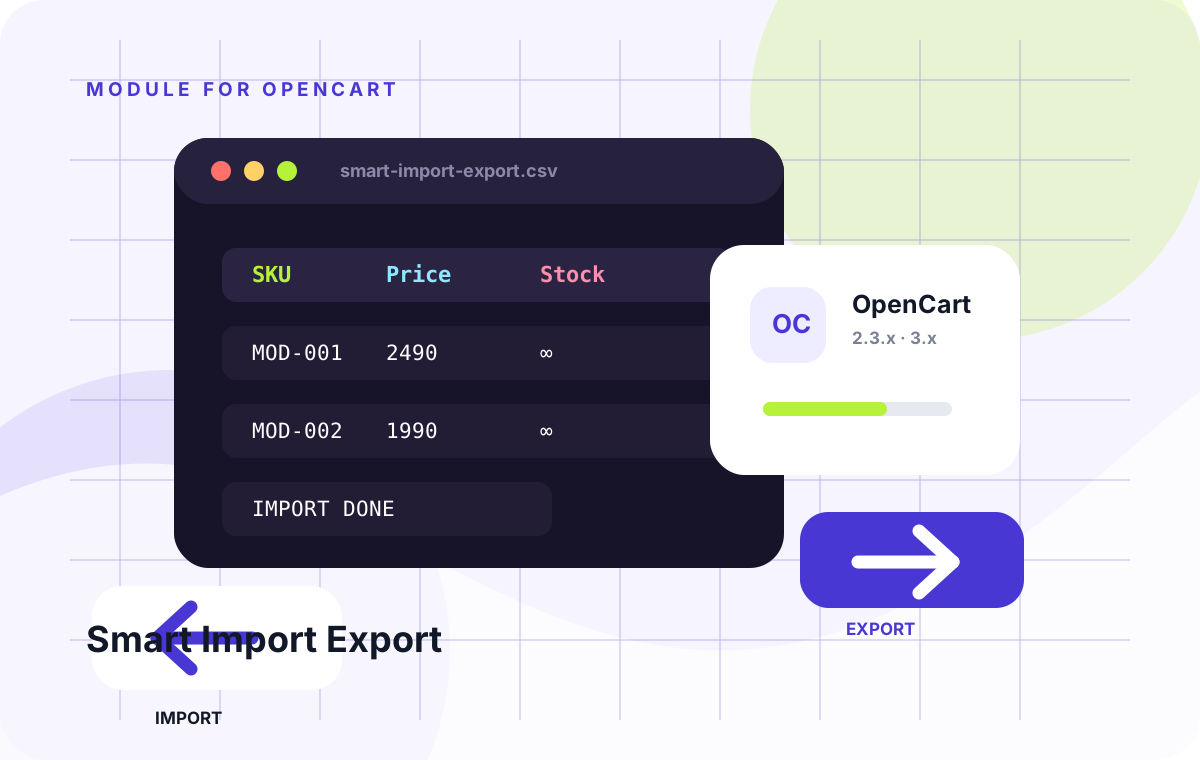
Smart Import Export is an OpenCart/ocStore module for moving, updating and maintaining your catalog without endless manual admin work.

OpenCart / ocStore 2.3.xOpenCart / ocStore 3.x
Limited-time offer Free module installation by our team

Select installation in the product options. After checkout, we will arrange access, install the module and run a basic check on your store.

The module licence is charged separately. Paid third-party services and non-standard development are not included.
0.00 грн. installation
2,490.00 грн. Ex Tax: 2,490.00 грн.
Updated14/09/2026

Files available after payment

No core file overwritesAdmin panel / OCMOD
12 months of updatesUpdated 14/09/2026
Developer supportReady to install
Clean codeDocumented structure
PRODUCT OVERVIEW

What this module does

Smart Import Export is an OpenCart/ocStore module for moving, updating and maintaining your catalog without endless manual admin work.

What it helps you do

  • import and export product catalog data through clear files;
  • bulk-update prices, stock, names, descriptions and other product fields;
  • prepare a catalog for migration, synchronization or a fast store launch;
  • install through OCMOD without direct core edits.

Business benefits

The module saves hours of catalog management work, reduces mistakes in large product updates and turns catalog changes into a controlled process: prepare the file → upload → verify the result.

Two archives included: one for OpenCart 3.x and one for OpenCart 2.3.x. After payment, both files are available in your account.

Quick instruction

  1. Select your OpenCart version during checkout.
  2. After payment, download the matching OCMOD archive from “Downloads”.
  3. Install it in the admin panel: Extensions → Installer.
  4. Refresh modifications: Extensions → Modifications → Refresh.
  5. Open the module settings and run a small test import first.

We recommend creating a database backup before the first bulk import.

BUILT FOR COMMERCE

Module features

Thoughtful functionality for a real store, without unnecessary complexity.

Catalog import and export

Move products, categories and key store data through clear files without manual admin work.

01

File-based bulk updates

Useful for mass updates of prices, stock, descriptions and product cards.

02

Safer catalog changes

Reduce the risk of mistakes when running large catalog updates.

03

Two packages included

The purchase includes OCMOD packages for OpenCart 2.3.x and OpenCart 3.x.

04

Save hours of work

Update a large catalog in minutes instead of editing everything in the admin panel.

05

Launch support

We help with installation and choosing the correct archive for your OpenCart version.

06
QUICK START

Install in three steps

No manual editing of core files.

01

Download the archive

After purchase you receive the module file and instructions.

02

Install from admin

Upload the archive through the standard extension installer.

03

Configure the module

Enable the required options and verify them with a test order.

TECH DETAILS

Technical specifications

Smart Import Export is an OpenCart/ocStore module for moving, updating and maintaining your catalog without endless manual admin work.

Ready to installIn Stock
PlatformOpenCart / ocStore
Compatible versions2.3.x, 3.x
InstallationAdmin panel / OCMOD
PHP version7.4 – 8.3
Licence1 domain
LocalisationУкраїнська, English, Русский
{ }

Need help or a custom change?

We can check compatibility, help with installation or adapt the module to your workflow.

Discuss the task
FAQ

Frequently asked questions

Developer support

Does the module change core files?

No. It uses the standard installation flow, so it can be disabled or removed safely.

Can you help with installation?

Yes. We will guide you through the steps, check the settings and help launch the module.

What is included in updates?

Fixes, improvements and adaptation to supported platform versions for 12 months.

Can the module be customised for my store?

Yes. Submit the task through our custom development form for a clear estimate and stage tracking.