12 months of updates and support Support: Mon–Fri 10:00–18:00 Average response — under 2 hours
Telegram WhatsApp
Request a module
Items in your cart

Shopping cart

0

Your cart is empty

Add the modules you need and they will appear here.

OpenCart / ocStore Ready to install

Video Shopping Pro for OpenCart

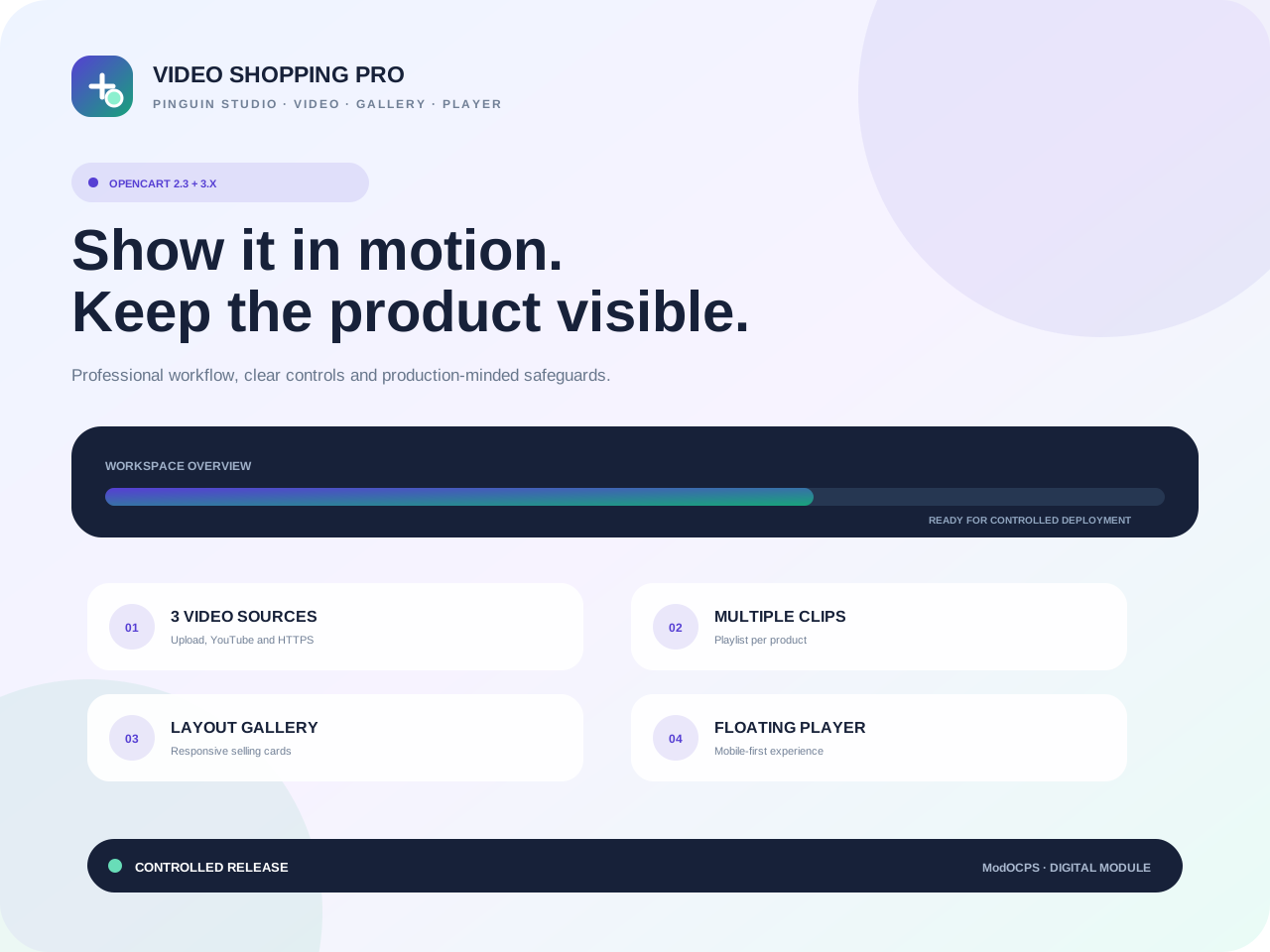
Video Shopping Pro adds a modern video-shopping layer to OpenCart: multiple clips per product, a responsive video gallery and a floating player that keeps the product visible while customers browse.

OpenCart / ocStore 2.3.xOpenCart / ocStore 3.x
Limited-time offer Free module installation by our team

Select installation in the product options. After checkout, we will arrange access, install the module and run a basic check on your store.

The module licence is charged separately. Paid third-party services and non-standard development are not included.
0.00 грн. installation
2,990.00 грн. Ex Tax: 2,990.00 грн.
Updated14/09/2026

Files available after payment

No core file overwritesExtension Installer / OCMOD
12 months of updatesUpdated 14/09/2026
Developer supportReady to install
Clean codeDocumented structure

Video Shopping Pro adds a modern video-shopping layer to OpenCart: multiple clips per product, a responsive video gallery and a floating player that keeps the product visible while customers browse.

Show the product in use, not only in static imagesShort video explains size, material, mechanics, package contents and real use cases faster — without sending the customer to another site.

Three video sources with a dedicated mobile experience

Upload MP4/WebM files, use YouTube or a direct HTTPS URL. Every video supports a poster, sort order, active/primary state and localized titles and captions.

3video sourcesUpload, YouTube and HTTPS URL
Multiclips per productPlaylist and primary video
2storefront modesLayout gallery and product player
Mobilefullscreen UXCompact bubble before opening

Multiple videos per product

Sort order, active/primary state, poster and localized text for every clip.

MP4, WebM and YouTube

Local upload, direct HTTPS files or YouTube through a lazy iframe.

Video gallery in layouts

Latest or manual product selection, columns, ratio, product name, image and price.

Floating product player

A floating playlist with minimize controls and per-product session close memory.

Mobile-aware behavior

Phones start with a bubble and open a full-screen player on demand.

Validated uploads

Server-side extension, MIME and container signature checks with regenerated names and safe paths.

From a clip to a selling video journey

InstallChoose the matching OCMOD.
AttachAdd video in the product editor.
LocalizeTitles and captions by language.
PlaceGallery through Design → Layouts.
TuneFloating player and mobile UX.
COMPATIBILITY

OpenCart / ocStore 2.3.x and 3.x · version 1.0.0

Separate OCMOD packages for TPL and Twig. Fileinfo is recommended for local uploads; large videos require adequate upload_max_filesize and post_max_size limits.

Local MP4 provides the strongest hover experience

YouTube is supported, but a browser or extension may block autoplay and iframe startup is slower. Heavily customized themes may need a placement or CSS adjustment.

Included with the purchase

OCMOD builds for OpenCart 2.3 and 3.x, multiple videos per product, upload/YouTube/HTTPS sources, multilingual captions, video gallery, hover playback, floating player, mobile fullscreen, validated uploads, documentation and 12 months of updates.


BUILT FOR COMMERCE

Module features

Thoughtful functionality for a real store, without unnecessary complexity.

Multiple videos per product

Every item has source type, order, active/primary flags, poster and per-language title and caption.

01

YouTube, URL and upload

Use YouTube, direct HTTPS MP4/WebM links or securely upload files from the product editor.

02

Homepage video gallery

A responsive horizontal gallery with latest/manual selection, columns, card ratio, product name and price.

03

Floating product player

The bubble expands into a player, exposes a playlist and remembers a close per product for the browser session.

04

Mobile-aware behavior

The player starts collapsed on phones, cards use tap-to-play and off-screen video pauses automatically.

05

Validated uploads

Extension, MIME and magic bytes are checked server-side; filenames are regenerated and paths reject traversal.

06
QUICK START

Add the first video journey without editing the theme

Install the module, attach videos in the product editor and configure the homepage gallery and floating player independently.

01

Install the OCMOD

Upload the matching OpenCart 2.3 or 3.x build through Extension Installer, refresh modifications and install the module.

02

Attach videos

Open the Product Video tab, add YouTube, HTTPS MP4/WebM or upload a file, then enter localized titles and captions.

03

Configure display

Choose latest/manual products, columns and ratio for home, then set floating-player position, width and initial state.

TECH DETAILS

Technical specifications

Video Shopping Pro adds a modern video-shopping layer to OpenCart: multiple clips per product, a responsive video gallery and a floating player that keeps the product visible while customers browse.

Ready to installIn Stock
PlatformOpenCart / ocStore
Compatible versions2.3.x, 3.x
InstallationExtension Installer / OCMOD
PHP versionPHP 5.6+ (by platform version)
Licence1 domain
LocalisationУкраїнська, English, Русский
{ }

Need help or a custom change?

We can check compatibility, help with installation or adapt the module to your workflow.

Discuss the task
FAQ

Frequently asked questions

Developer support

Are theme edits required?

The OCMOD adds a product-editor tab and storefront output before the footer. A custom theme may only need a placement or CSS adjustment.

Which video sources are supported?

Allow-listed YouTube URLs, direct HTTPS .mp4/.webm URLs and uploaded MP4/WebM files after server-side validation.

Does video autoplay on phones?

The floating player always starts as a bubble on mobile. Gallery cards use tap-to-play and do not rely on browser-blocked autoplay with sound.

Is data retained on reinstall?

Tables are retained by default. Uploaded videos and posters are never deleted automatically; obsolete files are removed manually.