12 months of updates and support Support: Mon–Fri 10:00–18:00 Average response — under 2 hours
Telegram WhatsApp
Request a module
Items in your cart

Shopping cart

0

Your cart is empty

Add the modules you need and they will appear here.

OpenCart / ocStore Ready to install

Universal Top Banner Pro for OpenCart

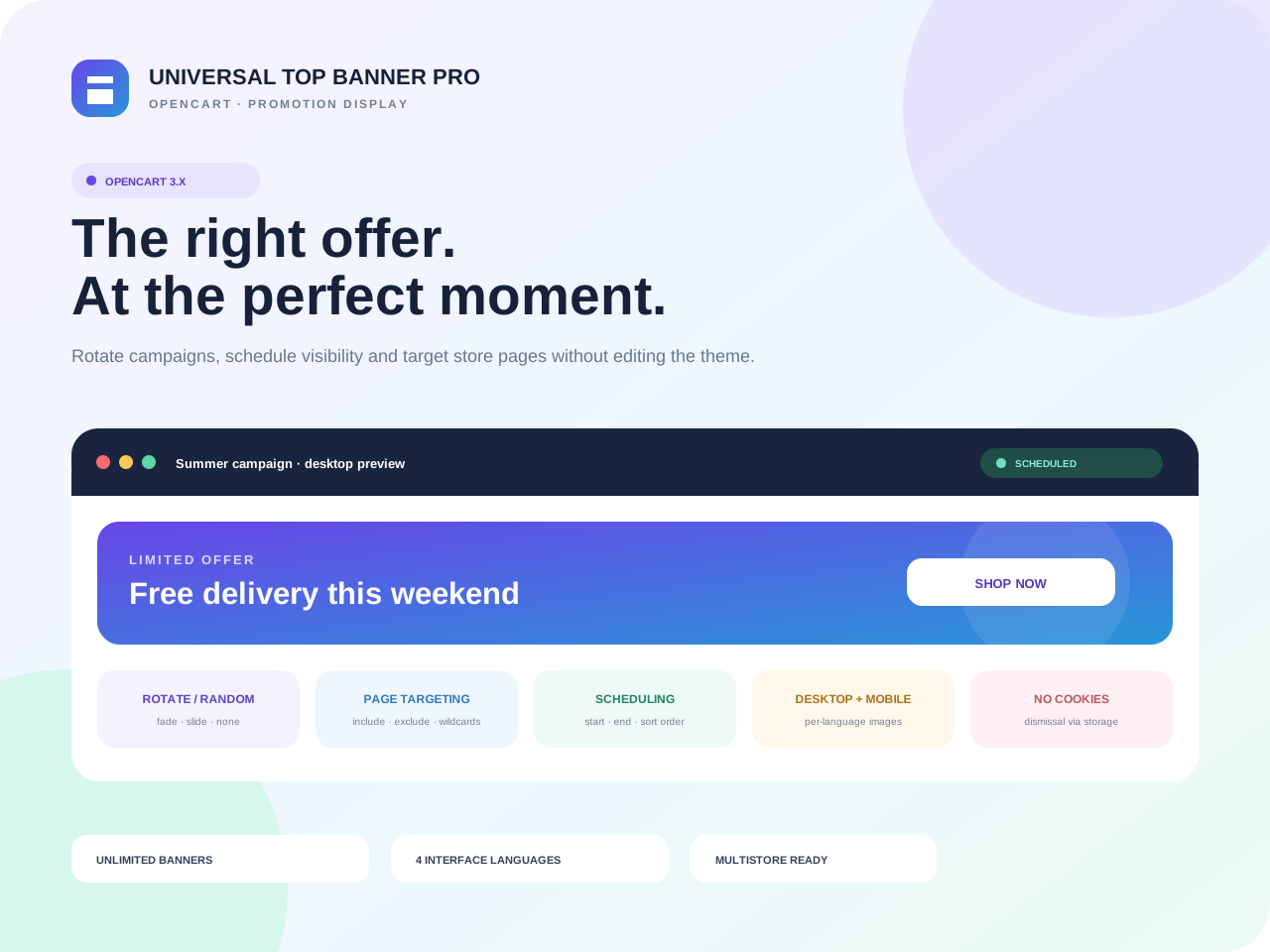
Universal Top Banner Pro turns the most visible storefront area into a controlled promotion channel. Run one message or a rotating set, localize every asset and schedule campaigns without editing the theme.

OpenCart / ocStore 3.x
Limited-time offer Free module installation by our team

Select installation in the product options. After checkout, we will arrange access, install the module and run a basic check on your store.

The module licence is charged separately. Paid third-party services and non-standard development are not included.
0.00 грн. installation
1,490.00 грн. Ex Tax: 1,490.00 грн.
Updated14/09/2026

Files available after payment

No core file overwritesExtension Installer / OCMOD
12 months of updatesUpdated 14/09/2026
Developer supportReady to install
Clean codeDocumented structure

Universal Top Banner Pro turns the most visible storefront area into a controlled promotion channel. Run one message or a rotating set, localize every asset and schedule campaigns without editing the theme.

One control panel for promotions, service notices and seasonal campaignsSeparate desktop/mobile images, links and alt text, scheduling, page rules, transitions and dismissal are managed inside the module.

A campaign that fits every screen

Each language can have its own creative and destination URL, while the mobile asset automatically replaces the desktop version on narrow screens.

∞bannersNo software limit
3display modesStatic, rotate or random
4interface languagesUK, RU, EN and RO
0theme editsAuto insert or Layouts

More than a strip above the header: a controlled display scenario

Schedule a sale for exact dates, exclude checkout, show a catalog-only offer or publish a service notice site-wide. Visitors see a relevant banner and the team stays independent from theme releases.

Desktop and mobile

Separate large- and small-screen images with automatic fallback.

Per-language content

Dedicated images, links and alt text for every store language.

Precise scheduling

A start and end date can be set independently per banner.

Flexible rotation

Automatic rotation or random selection with Fade, Slide or no transition.

Page rules

Show everywhere, only on selected pages or everywhere except exclusions, with * and ? wildcards.

Visitor-friendly

Pause on hover/focus, controls, reduced-motion support and cookie-free dismissal.

Launch a campaign in four steps

Create a bannerAdd an internal name and upload the creative.
Localize itSet images, URL and alt text for each language.
Define rulesSchedule, pages, order and rotation mode.
EnableCheck desktop/mobile and publish the campaign.
PAGE RULES

Page targeting without custom code

Use internal OpenCart routes such as common/home, product/* and checkout/*. Include the routes you need or define exclusions.

Commercial build for OpenCart / ocStore 3.x

Installs through Extension Installer. Automatic mode places the banner above the header; Layout assignment is available when an in-page position is preferred.

Validated assets, safe URLs and cookie-free dismissal

Paths and links are sanitized and storefront output is escaped. Dismissal uses localStorage/sessionStorage rather than cookies.

Included with the purchase

Installation-ready ZIP, readable unencrypted source, documentation, 12 months of updates and launch support. The licence covers one domain.
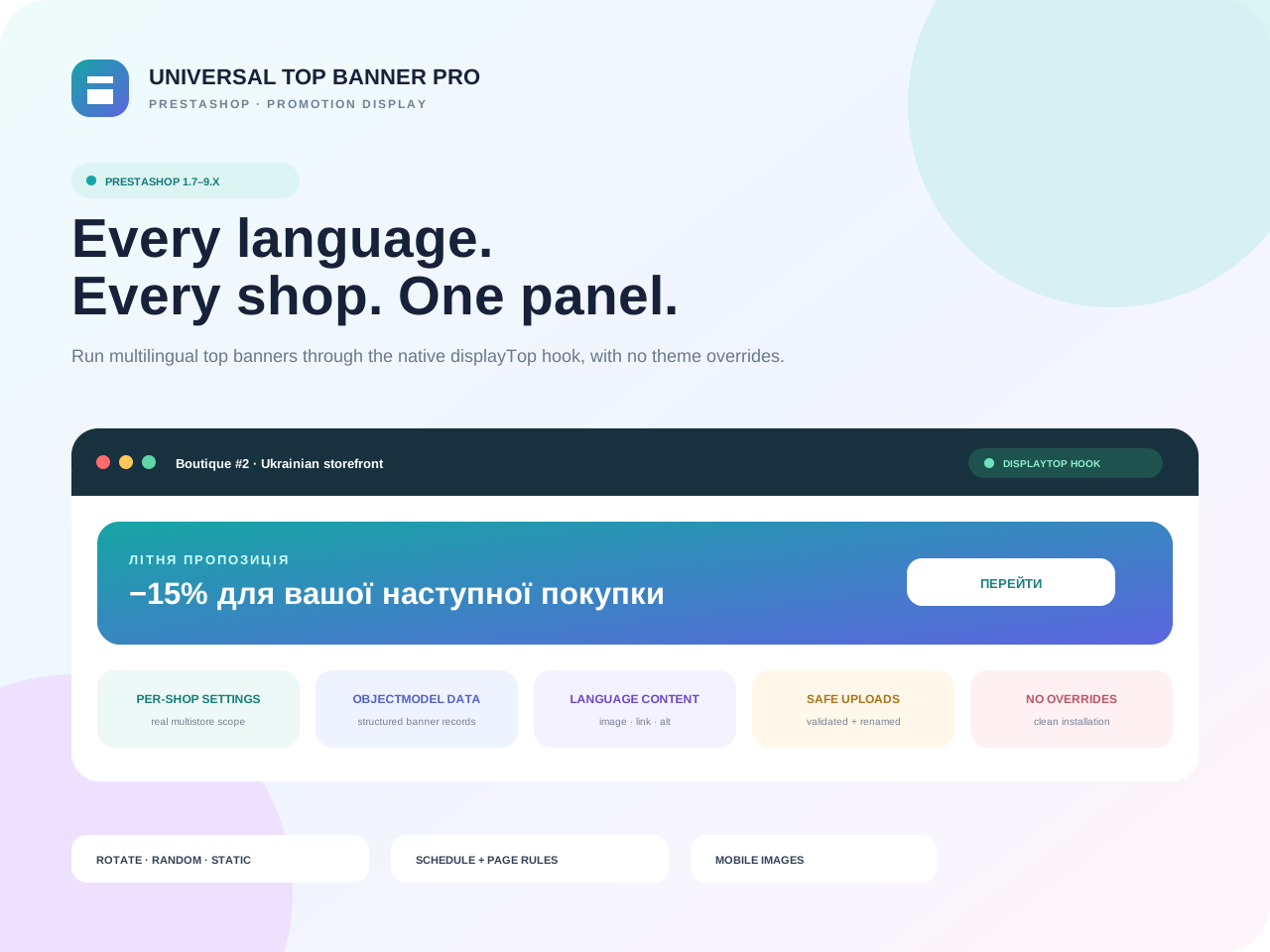
Also running PrestaShop?A separate native edition brings the same campaign logic to the other platform.
View the edition
BUILT FOR COMMERCE

Module features

Thoughtful functionality for a real store, without unnecessary complexity.

Desktop and mobile creatives

Separate large- and small-screen images with automatic fallback.

01

Per-language content

Dedicated images, links and alt text for every storefront language.

02

Rotate or randomize

Static, automatic rotation or random mode with Fade, Slide or no transition.

03

Campaign scheduling

Start date, end date, order and active state are configured per banner.

04

Page rules

Show everywhere, only on selected pages or everywhere except exclusions.

05

No theme editing

Automatic insertion or standard placement through Design → Layouts.

06
QUICK START

Launch the first banner without editing templates

Install the ZIP, add desktop/mobile creatives, verify scheduling and page rules, then enable the module.

01

Install the module

Upload the OCMOD through Extension Installer, install the module and open its settings.

02

Build the campaign

Add images, links and alt text per language, including optional mobile-specific creatives.

03

Verify and enable

Set display mode, schedule and pages, check desktop/mobile output and then publish.

TECH DETAILS

Technical specifications

Universal Top Banner Pro turns the most visible storefront area into a controlled promotion channel. Run one message or a rotating set, localize every asset and schedule campaigns without editing the theme.

Ready to installIn Stock
PlatformOpenCart / ocStore
Compatible versions3.x
InstallationExtension Installer / OCMOD
PHP versionPHP 7.4+
Licence1 domain
LocalisationУкраїнська, English, Русский
{ }

Need help or a custom change?

We can check compatibility, help with installation or adapt the module to your workflow.

Discuss the task
FAQ

Frequently asked questions

Developer support

Are theme-file changes required?

No. Use automatic insertion above the header or standard Design → Layouts placement.

Can mobile and language images differ?

Yes. Each language has its own desktop/mobile images, link and alt text. Desktop is the fallback when no mobile image is set.

Can the banner be limited to certain pages?

Yes. Use all, include or exclude mode and * / ? wildcard patterns.

What about a fixed header?

An optional CSS selector lets the module offset matching fixed/sticky headers and restore their original position after dismissal.